
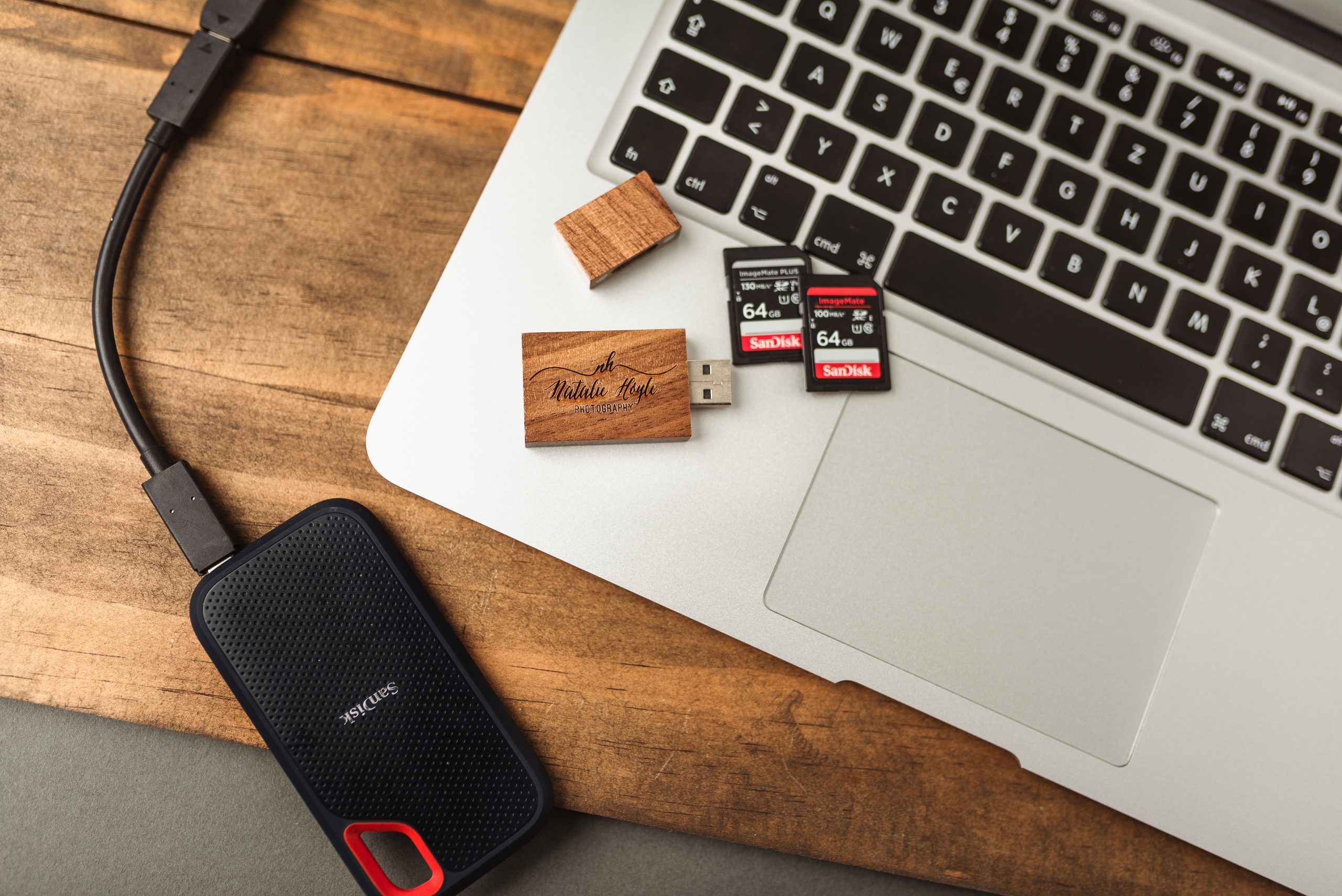

One of my biggest fears is losing all of my videos and pictures. Most of the things in our house are replaceable; videos and pictures of our children growing up are not.
That is why I take backing up our personal and business files very seriously. I have everything saved on a hard drive; however, hard drives can fail. I wanted to make sure that I have a rock solid backup and storage system.
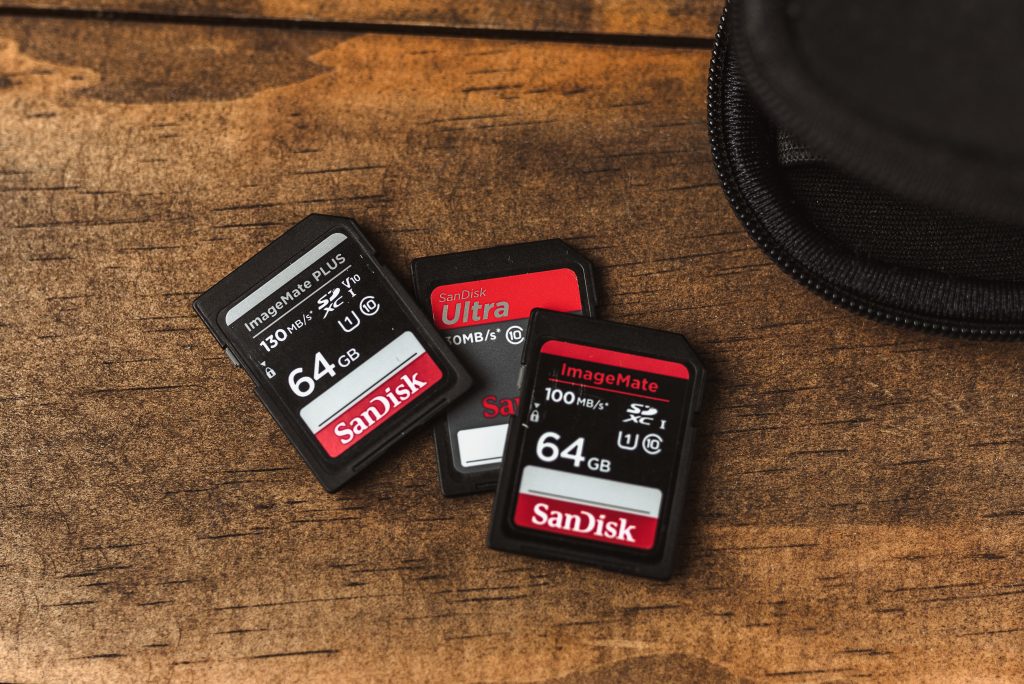
Here are my top tips for backing up your images and videos:
- On-site backup:
This could be an external hard drive, solid state drive (SSD), or USB flash drive.
I’ve been using these two for the last few years and they work great for me:
I highly recommend keeping your hard drives (as well as important documents) in a fireproof and waterproof safe. You can find some fairly inexpensive ones on Amazon.
In addition, I keep a hard drive at my parents’ house which I update every time we see each other.
2. Off-site backup:
Another great way to back up your files is by using a cloud backup and storage service. They’re amazing and super easy to use because they constantly scan your drive and back up new files. In my experience, the best low-cost options are Backblaze and CrashPlan.